
Deep Dive into Next.js App Router – How It Really Works in Production
 Tharuka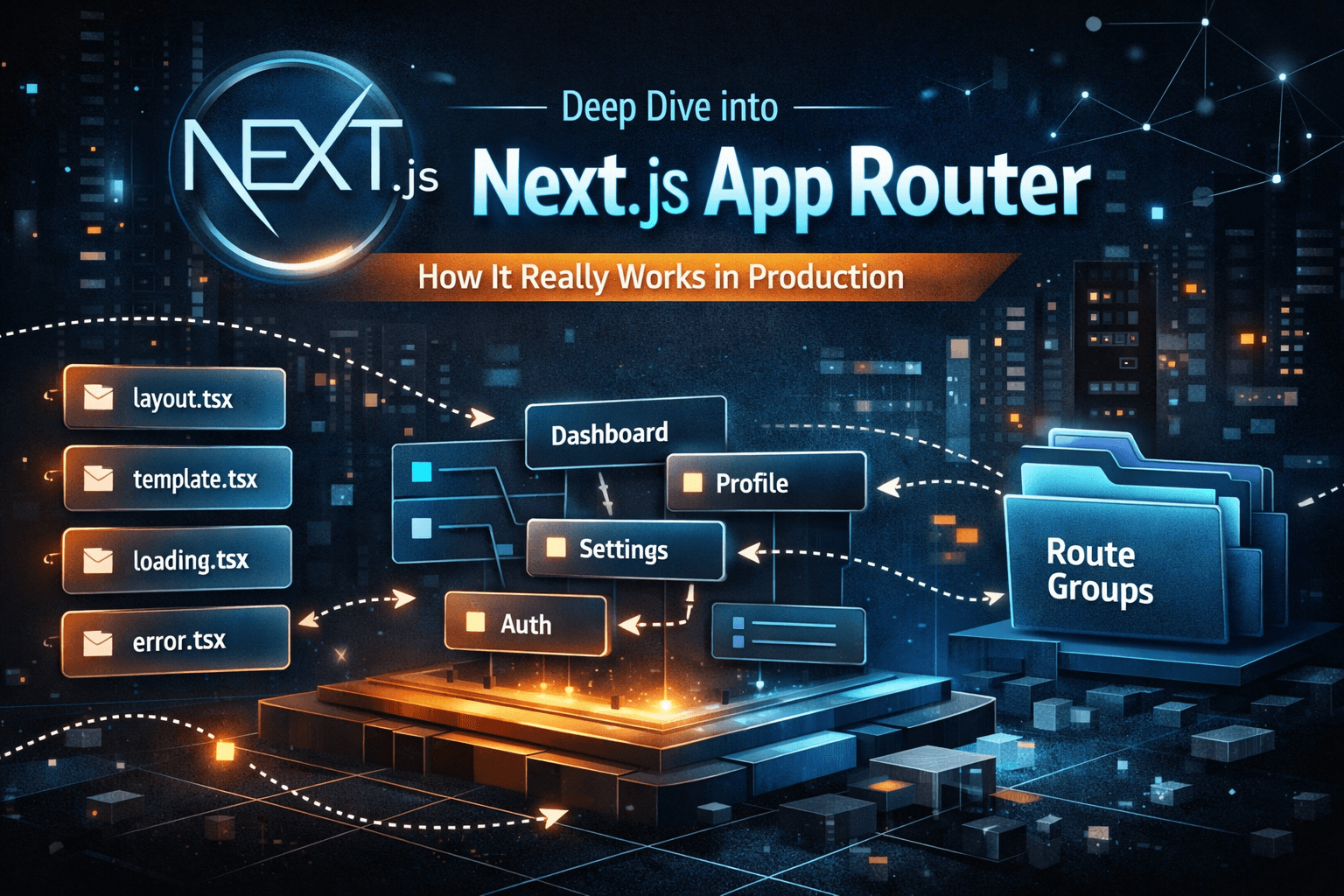
Why the App Router Exists
Before the App Router, Next.js relied on the Pages Router, which was file-based but tightly coupled with client-side rendering concepts.
The App Router was introduced to:
Fully embrace React Server Components
Improve data fetching & streaming
Enable better layout composition
Reduce JavaScript sent to the browser
Support modern UI patterns at scale
In short, the App Router is built for performance-first, server-driven applications.
App Router vs Pages Router – A Deep Comparison
FeaturePages RouterApp RouterRendering ModelClient-heavyServer-firstLayouts_app.js, _document.jsNested layoutsData FetchinggetServerSideProps, getStaticPropsNative fetch()Streaming❌✅React Server Components❌✅Code SplittingLimitedAutomatic
The Biggest Difference: Mental Model
Pages Router: “Fetch data, then render”
App Router: “Render on the server by default, send only what’s needed”
This shift alone changes how you design applications.
Understanding the App Router File System
The App Router uses the /app directory. Every folder represents a route segment, and every file has a specific responsibility.
Let’s break down the most important ones.
layout.tsx – The Backbone of Your UI
layout.tsx defines persistent UI that stays mounted across route changes.
export default function RootLayout({ children }) {
  return (
    <html>
      <body>
        <Navbar />
        {children}
        <Footer />
      </body>
    </html>
  );
}
Why it matters:
Prevents unnecessary re-renders
Improves performance
Enables consistent UI structure
In production apps, layouts are critical for:
Dashboards
SaaS platforms
Auth-protected sections
template.tsx – When You Need a Fresh Start
Unlike layouts, templates re-render on every navigation.
Use cases:
Animations
Page transitions
Resetting state between routes
export default function Template({ children }) {
  return <>{children}</>;
}
👉 Think of template.tsx as a non-persistent layout.
loading.tsx – Streaming UX, Done Right
The App Router supports streaming UI, and loading.tsx enables this.
export default function Loading() {
  return <Skeleton />;
}
Instead of waiting for the entire page:
The layout renders instantly
Data streams in progressively
UX feels faster, even on slow networks
This is production-grade performance, not just a spinner.
error.tsx – Graceful Failure Handling
Errors happen. App Router allows route-level error boundaries.
"use client";

export default function Error({ error, reset }) {
  return (
    <div>
      <h2>Something went wrong</h2>
      <button onClick={() => reset()}>Try again</button>
    </div>
  );
}
Each route can:
Handle its own errors
Recover without full reloads
Provide better user feedback
Nested Routing – Composing UI Like Lego
Nested routes allow you to build deep UI hierarchies.
app/
 └── dashboard/
     ├── layout.tsx
     ├── page.tsx
     └── settings/
         └── page.tsx
Here:
dashboard/layout.tsxwraps all dashboard pages/dashboard/settingsinherits everything automatically
This makes large apps clean, predictable, and scalable.
Parallel Routes – Rendering Multiple Views at Once
Parallel routes allow rendering multiple route segments simultaneously.
Example:
Main content
Sidebar
Modal
app/
 ├── @main/page.tsx
 ├── @sidebar/page.tsx
This is powerful for:
Dashboards
Split-screen layouts
Complex workflows
Route Groups – Organize Without Affecting URLs
Route groups help structure large codebases without changing the URL.
app/
 └── (auth)/
     ├── login/
     └── register/
URL remains:
/login
/register
But your project stays:
Organized
Readable
Team-friendly
How the App Router Works in Production
In production, the App Router:
Renders components on the server
Streams HTML progressively
Sends minimal JavaScript to the client
Hydrates only client components
Caches intelligently by default
This results in:
Faster initial loads
Better Core Web Vitals
Reduced bundle size
Final Thoughts
The Next.js App Router is not just a new feature — it’s a new way of thinking about React applications.
If you treat it like the Pages Router with new syntax, you’ll miss its real power.
But if you:
Embrace server components
Design with layouts
Use streaming intentionally
You’ll build faster, cleaner, production-grade applications.
🚀 Ready for the Next Level?
In the next article, we’ll explore:
“Advanced Data Fetching & Caching Strategies in the App Router”
If you’re building serious Next.js applications, this is where things get really interesting.